
Browse by country and genre
Listen to local stations or explore radio from another part of the world.
 Tuna Online Radio
Find stations by country and genre, save your favourites, and listen while you work or travel.
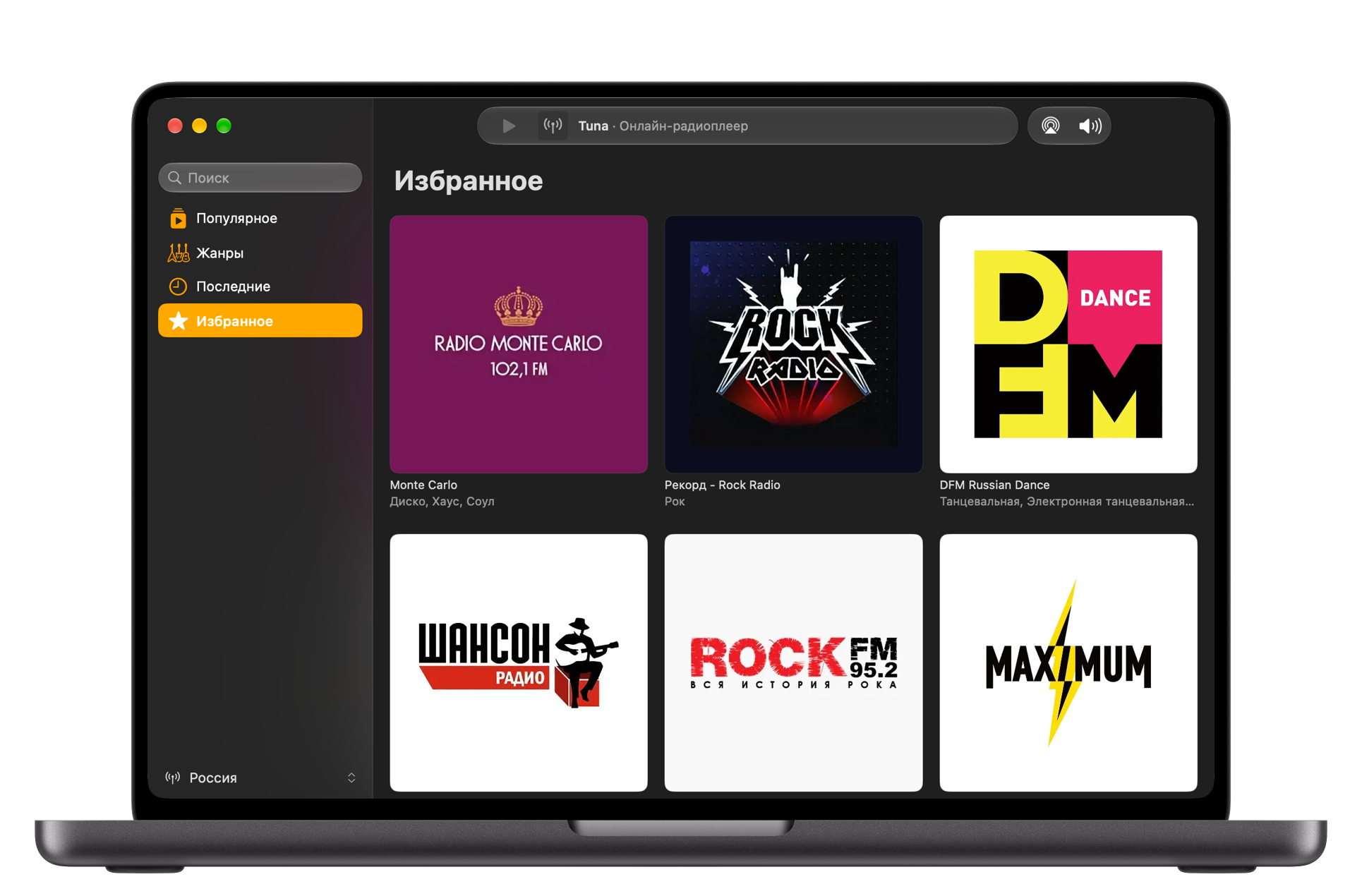
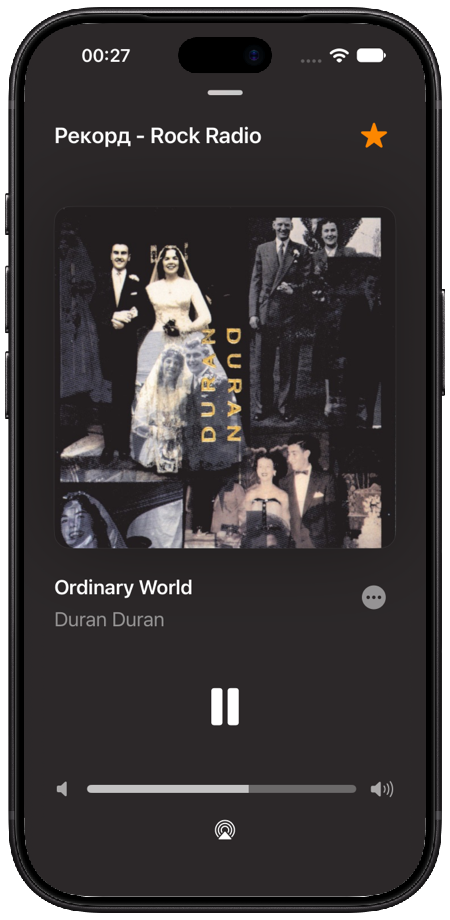
Listen to local stations or explore radio from another part of the world.

Save the stations you return to and find them again without a search.

Play your last station right from the Home Screen.
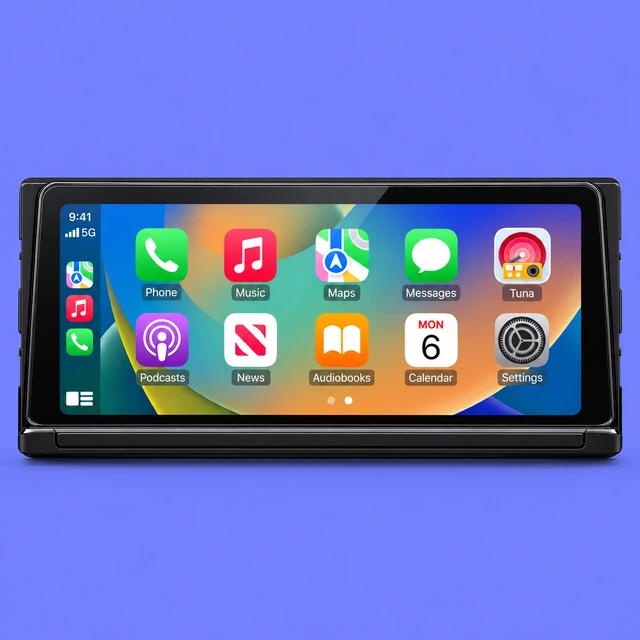
Local, recent and favourite stations on your car’s display. Available with Tuna Pro.
Your favourites and listening history sync between Mac and iPhone through your iCloud account.
Listen on HomePod, Apple TV or AirPlay speakers. Choose your audio output right in the player.
Download Tuna, open the file, and move Tuna to Applications. Tuna requires macOS 26 or later and runs on Apple silicon and Intel.
Download for MacOpen the TestFlight invitation, install TestFlight from Apple, and accept the Tuna beta. The iPhone app is still in beta.
